
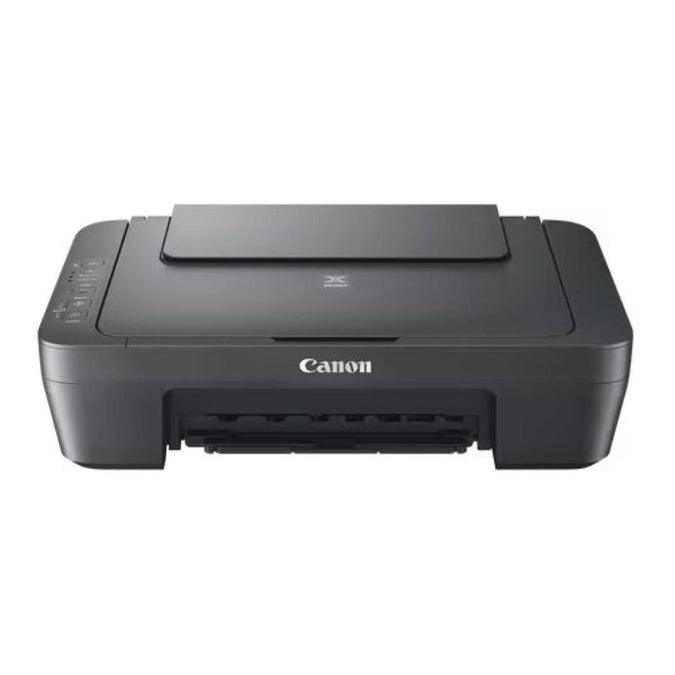
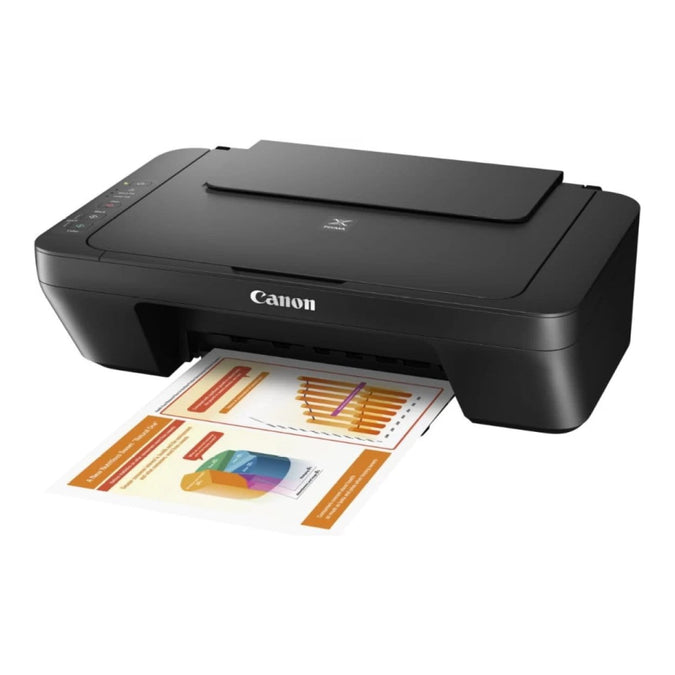
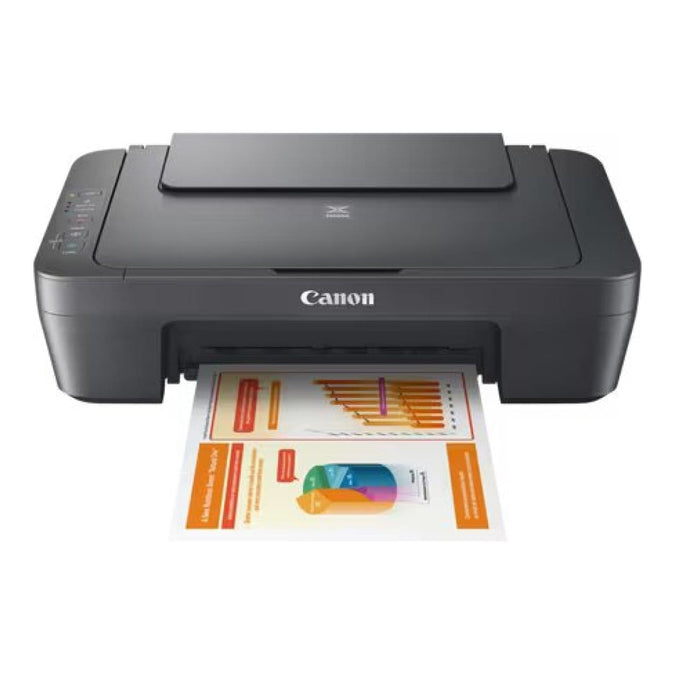
Canon PIXMA MG2541S A4 Multifunction Inkjet Printer 0727C067
R1,577.00
- Print Technology:Inkjet
- Output Colour:Colour
- Function:Print + Copy + Scan
- Max Print Size:A4

This item: Canon PIXMA MG2541S A4 Multifunction Inkjet Printer 0727C067
R1,577.00
R1,577.00


Description
Reviews (0)
Q & A
Canon PIXMA MG2541S A4 Multifunction Inkjet Printer
A compact everyday All-In-One colour printer, scanner and copier ideal for home use.
The perfect everyday All-In-One for printing, scanning and copying. From text-heavy documents to family photos, the compact Canon PIXMA MG2541S print engine is built for quality and ease-of-use.
Print, scan, copy – home printing made easy
The ideal home All-In-One, letting you print, scan and copy documents and photos at speed without compromising on quality. Simple to use, the Canon PIXMA MG2541S is a stylish, compact and desk-friendly device with powerful features for every home user.
Affordable device, premium print quality
The Canon PIXMA MG2541S offers incredible value for money: an affordable home printer that produces superior quality documents and photos. FINE Cartridge technology means deep blacks, vivid colours and a stunning level of detail.
Up to 30% lower cost per page
Using the optional high-capacity Canon XL ink cartridges, you can save as much as 30% on the cost per page compared to their standard equivalents. Get more pages per cartridge and go longer between cartridge replacements; the Canon PIXMA MG2541S won’t cost the earth to run.
Be creative
Easily print your photos with the Easy-PhotoPrint Editor, while Creative Park opens a world of creative possibilities with its selection of designs from artists, all available for you to use as postcards, calendars, birthday cards and much more.
Energy saving built-in
Use less energy with Auto Power On/Off. Hit print on your laptop and watch as the printer immediately emerges from its power-saving mode, ready to print without even switching it on.
Specifications:
Print Resolution: Up to 4800 x 600 dpi
Print Technology: 2 FINE Cartridges (Black and Colour)
Mono Print Speed: Approx. 8.0 ipm
Colour Print Speed: Approx. 4.0 ipm
Two Sided Printing: Manual operation
Cartridges and Yields
Standard Ink Cartridges: PG-445 (Black), CL-446 (Colour)
Optional XL Ink Cartridges: PG-445XL (Black), CL-446XL (Colour)
Cartridge Yield (Plain Paper): A4 colour documents printing, Black: 180 pages, Black XL: 400 pages, Colour: 180 pages, Colour XL: 300 pages
Paper Support
Paper Types: Plain Paper, Envelopes, Photo Paper Plus Glossy II (PP-201), Photo Paper Glossy “Everyday Use” (GP-501)
Maximum Paper Input: Rear tray: Max. 60 sheets (plain paper)
Paper Sizes: Plain paper: A4, A5, B5, Letter, Legal, Photo paper: 10x15cm, 13x18cm, Envelopes: DL, COM10
Paper Weight: Plain paper: 64 – 105 g/m², Canon photo paper: up to 275 g/m²
Scanner
Scanner Type: CIS flatbed photo and document scanner
Scanner Resolution (Optical): 600 x 1200 dpi
Line Scanning Speed: Approx. 14 seconds
Scanning Depth (Input / Output): Colour: 48 bit / 24 bit, Greyscale: 16 bit / 8 bit
Maximum Document Size: 216 x 297 mm
Copy
Copy Speed: sFCOT: Approx. 31 seconds, sESAT: Approx. 1.6 ipm
Copy Quality: 21 copies (max.)
Copy Functions: Document copying (plain paper)
What’s in the box
- All-In-One printer – Canon PIXMA MG2541S
- FINE Cartridges
- Power cord
- Setup CD-ROM (CD only for Windows – Mac drivers available online)
- Manuals and other documents
Add a review
You must be logged in to post a review
Log In
Q & A
Ask a question
There are no questions yet
Viewers Also Liked

In stock
R1,550.00 – R1,200.00
Genuine HP 203A Yellow LaserJet Toner Cartridge (CF542A)
Sale! 23%
SKU: CF542A

In stock
0.62 kg
R1,499.00 – R1,100.00
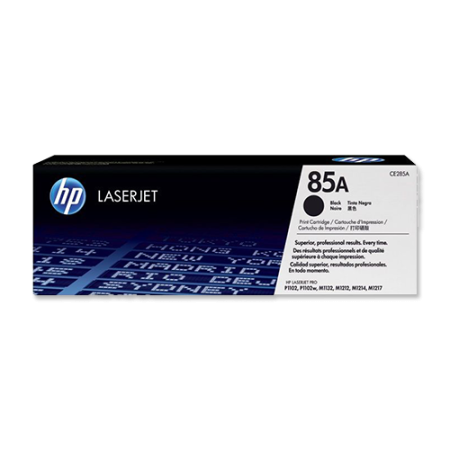
HP 85A Black Toner Cartridge 1,600 Pages Original CE285A Single-pack
Sale! 27%
SKU: CE285A
In stock
R2,100.00 – R1,690.00
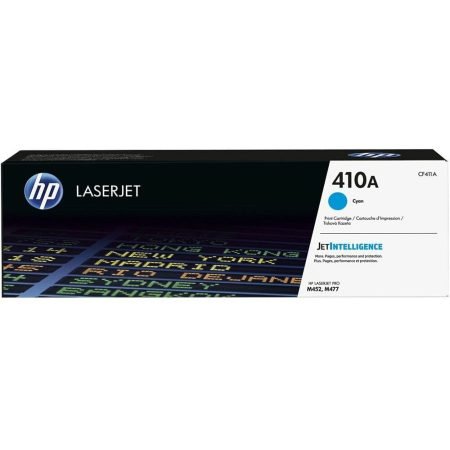
Genuine HP 410A Cyan LaserJet Toner Cartridge (CF411A)
Sale! 20%
SKU: CF411A

In stock
0.49 kg
R1,350.00 – R1,050.00
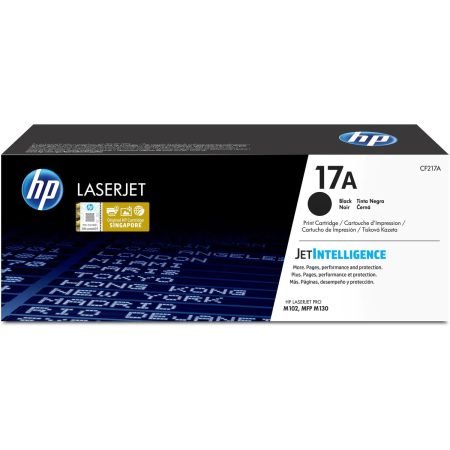
HP 17A Black Toner Cartridge 1,600 Pages Original CF217A Single-pack
Sale! 22%
SKU: CF217A


Reviews
There are no reviews yet